
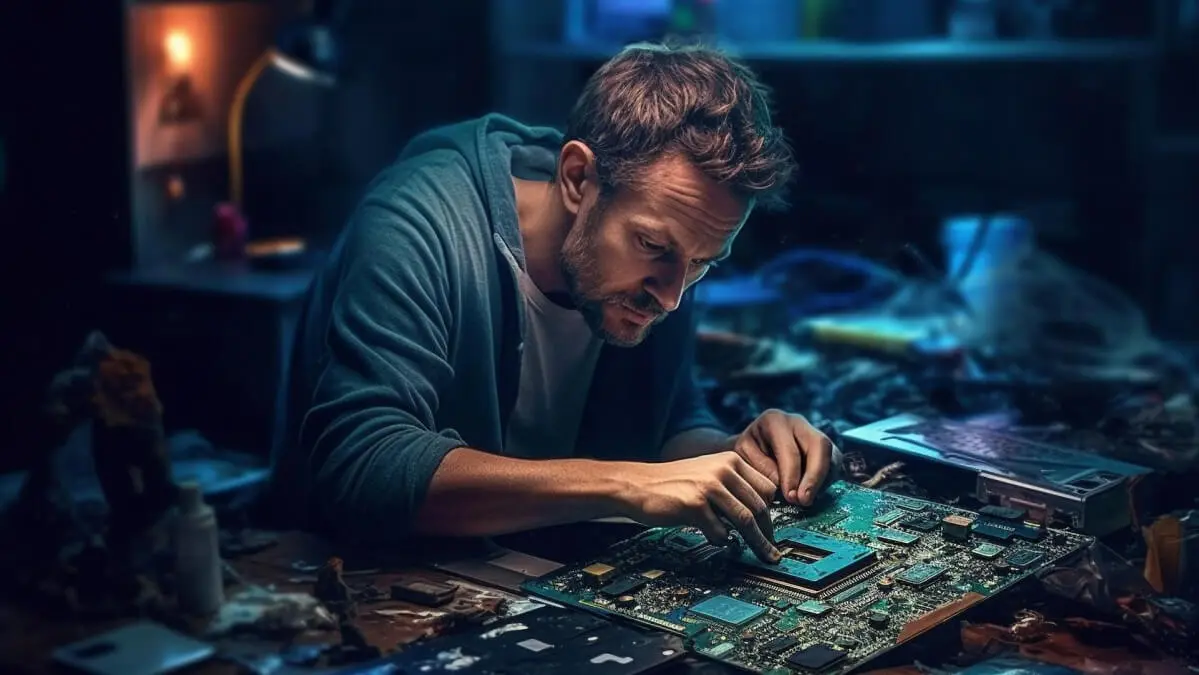
In the digital age, computers and laptops have become indispensable tools for work, education, and entertainment. However, these devices are not without their issues. From slow performance to hardware malfunctions, users frequently encounter problems that can disrupt their daily activities. In this blog, we’ll explore some common computer and laptop issues and provide effective troubleshooting tips to help you resolve them quickly and efficiently. Whether you’re a tech novice or a seasoned pro, these guidelines from Ravi Computer can help keep your device in top working condition.
Slow Performance
Symptoms:
- Programs take longer to open or respond.
- The system takes a long time to start up or shut down.
Troubleshooting Tips:
- Clear Temporary Files: Use built-in cleanup tools like Disk Cleanup on Windows to remove temporary files and free up disk space.
- Disable Startup Programs: Reduce the number of programs that run at startup to speed up boot times.
- Upgrade RAM: Consider adding more RAM if your system struggles with multitasking.
Overheating
Symptoms:
- The device feels hot to the touch.
- The system shuts down unexpectedly or performs poorly.
Troubleshooting Tips:
- Keep Vents Clear: Ensure the air vents are not blocked to improve airflow.
- Clean the Fans: Dust buildup can hinder cooling. Clean the fans and vents regularly.
- Use a Cooling Pad: For laptops, a cooling pad can help reduce temperatures during intensive tasks.
Battery Drain
Symptoms:
- The battery depletes faster than usual.
- The device only works for a short period on battery power.
Troubleshooting Tips:
- Adjust Power Settings: Opt for power-saving modes to extend battery life.
- Close Unnecessary Programs: Running multiple programs can drain the battery quickly. Close programs you’re not using.
- Consider Battery Replacement: If the device is old, the battery may need replacing.
Connectivity Issues
Symptoms:
- Unable to connect to Wi-Fi or Bluetooth devices.
- Poor internet connection speed or stability.
Troubleshooting Tips:
- Restart Your Device and Router: Often, simply restarting can resolve connectivity issues.
- Update Drivers: Ensure your network and Bluetooth drivers are up to date.
- Check for Interference: Other devices, such as microwaves and cordless phones, can interfere with Wi-Fi signals. Move your computer away from these devices.
Software Crashes or Errors
Symptoms:
- Programs close unexpectedly.
- Error messages appear during program use.
Troubleshooting Tips:
- Update Software: Ensure all your software, especially the operating system, is up to date.
- Reinstall the Program: Uninstall and then reinstall the program to fix any corrupted files.
- Check for Compatibility: Make sure the software is compatible with your system’s specifications.
Hardware Failures
Symptoms:
- The computer doesn’t power on.
- Peripheral devices like keyboards or mice don’t work.
Troubleshooting Tips:
- Check Power Supply: Ensure the power cable is securely connected and the outlet is working.
- Inspect Peripheral Connections: Make sure all cables are securely connected and try different ports if available.
- Seek Professional Help: Some hardware issues, like a failed hard drive, require professional repair.
Data Loss
Symptoms:
- Files or folders disappear.
- The device says storage is corrupted.
Troubleshooting Tips:
- Use Data Recovery Software: In some cases, deleted files can be recovered using data recovery tools.
- Check Cloud Backups: If you’ve enabled cloud backup services, your files might be recoverable online.
- Prevent Future Loss: Regularly back up your data to an external drive or cloud service.
Conclusion
While encountering issues with your computer or laptop can be frustrating, many problems can be resolved with simple troubleshooting steps. By following the tips outlined above, you can address common issues and potentially save time and money on repairs. Remember, regular maintenance and updates can prevent many of these problems from occurring in the first place. However, if you’re facing complex issues or hardware failures, it’s best to consult with professionals. At Ravi Computer, we’re here to help you with all your computer and laptop repair needs, ensuring your devices remain in peak condition.